
LTE Gateway Setup
Find gateway placement
The gateway should be in the same room as the sensors (range of 50m) and should be placed at least 1.5m off the ground.
!!! warning The LTE antenna must should be pointed at the sky for optimal signal
Gateway setup
Attach the microUSB cable into the gateway, with the wall wart to power it
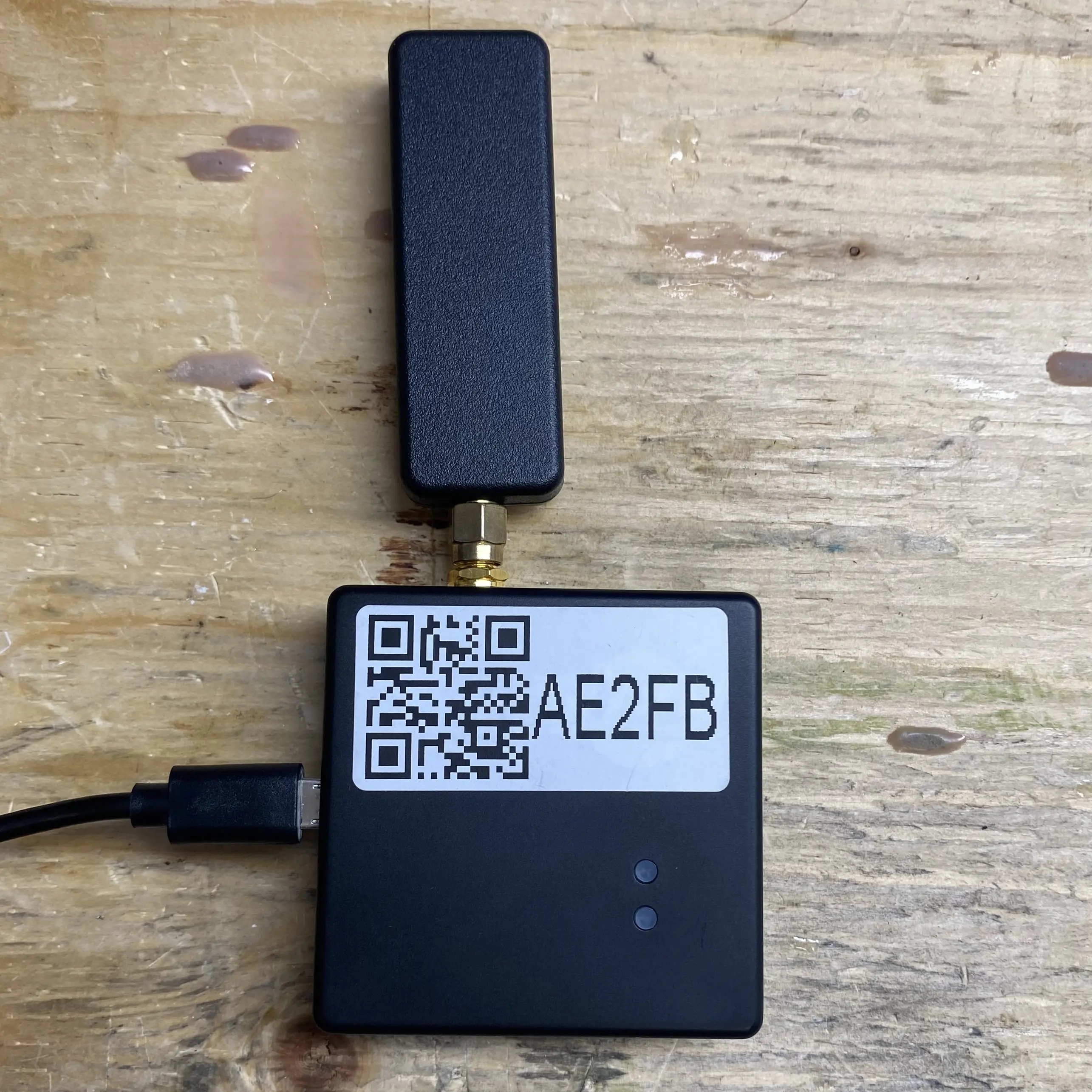
Validate gateway status
The LTE gateway should automatically connect
A blinking green light
 indicates that the gateway is booting
Once the green light becomes solid  that means the gateway has successfully connected to LTE and is sending data.
Mounting the gateway
Once you have ensured that the gateway is connected, remove the adhesive backing and mount the gateway at least 1.5m off the ground, adhering the gateway to the surface for 10 seconds.